
Fill it in once
use it everywhere
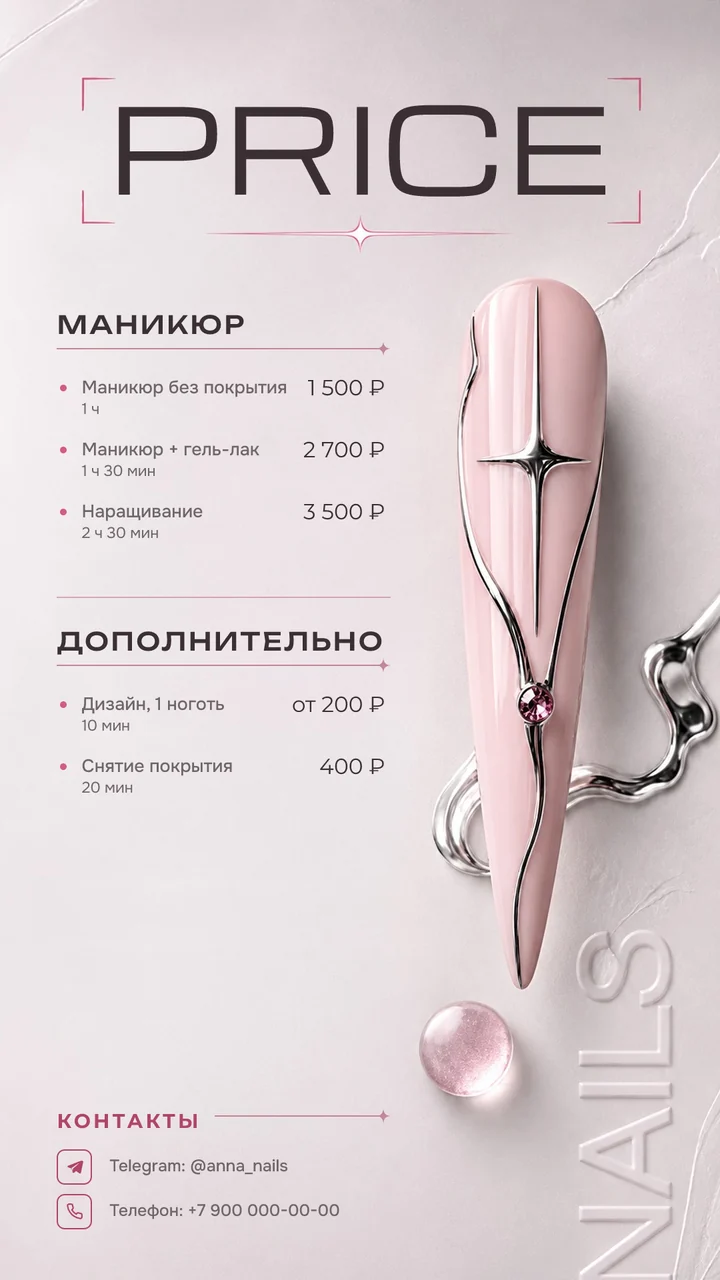
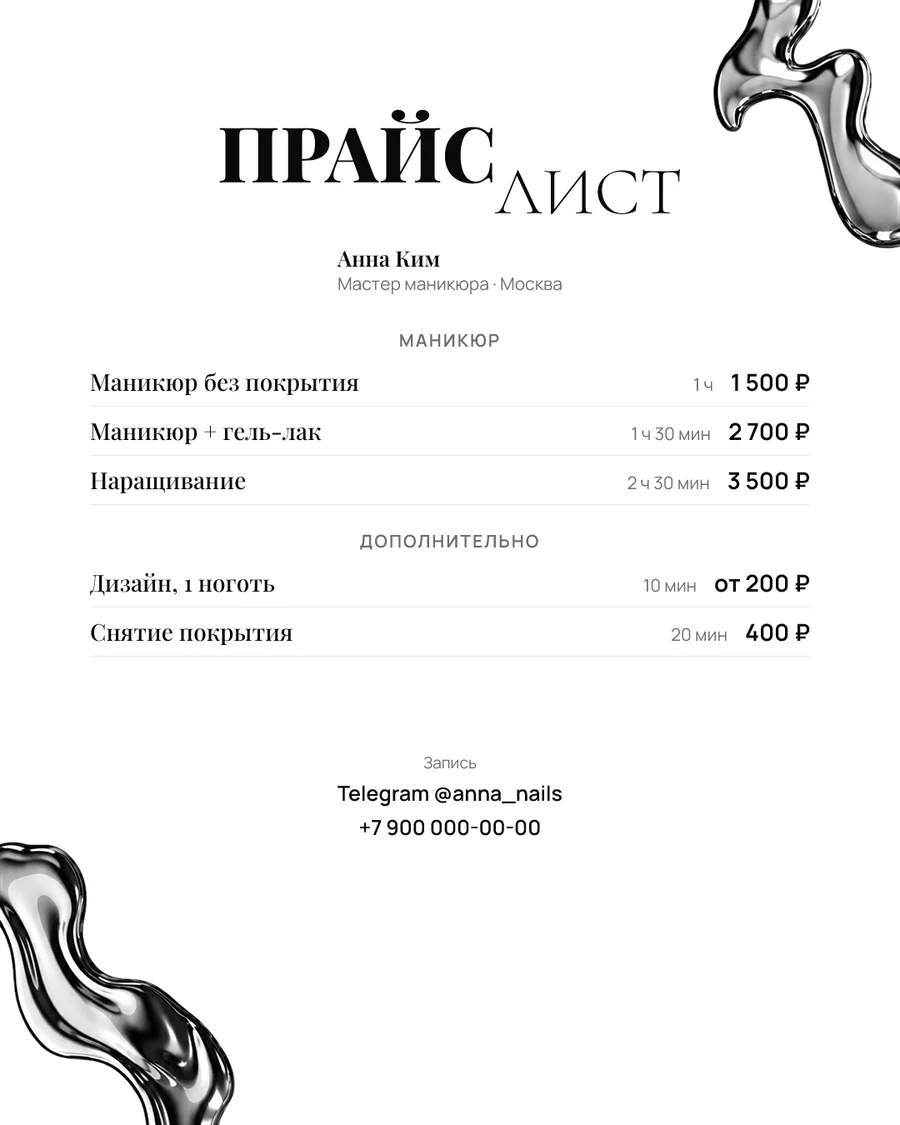
All your services and prices in ready-made formats for clients and social media.
app.westicky.com/Claim your link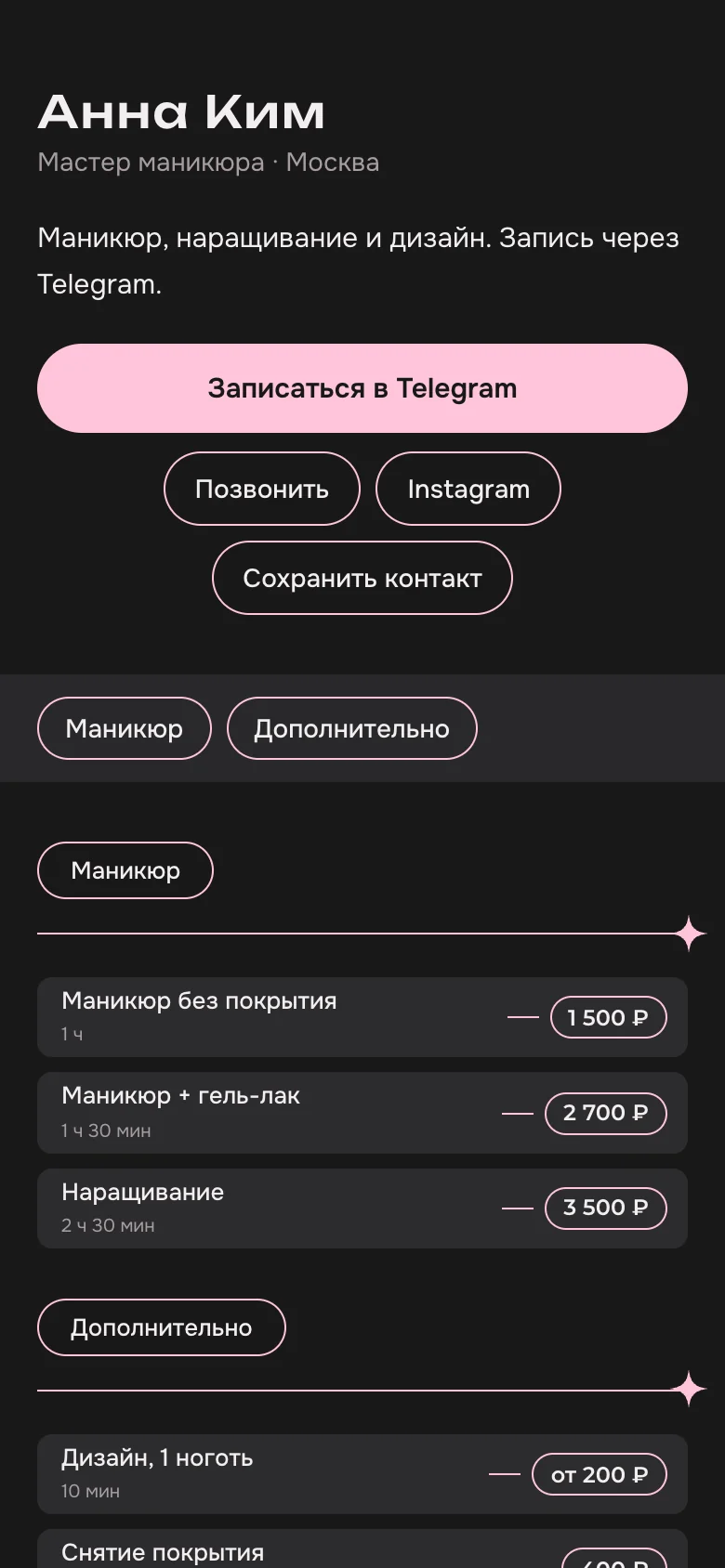
How to make a price list in three steps
Tell us about yourself
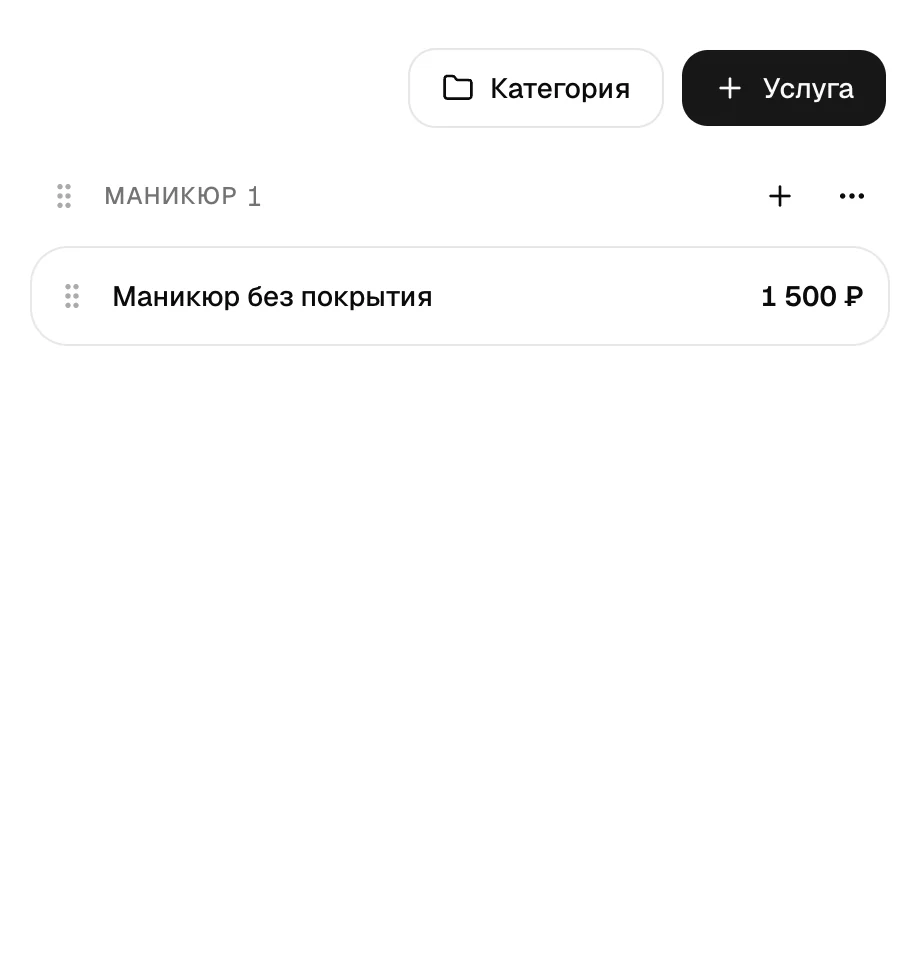
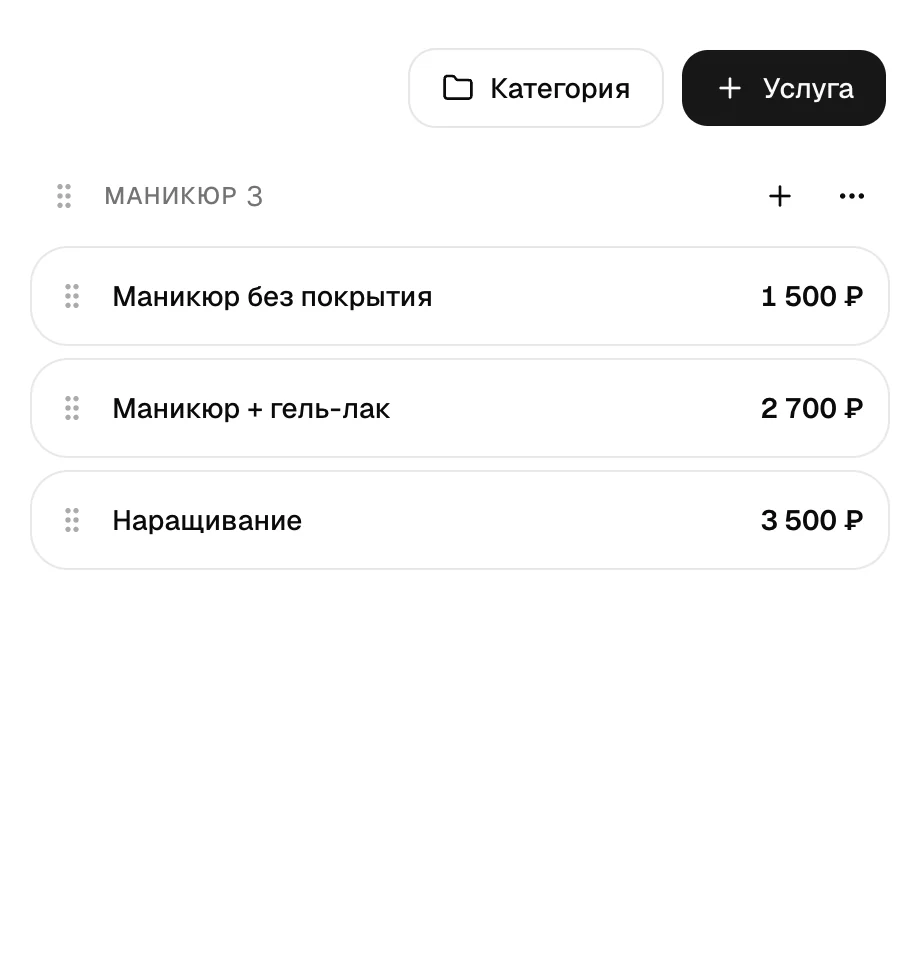
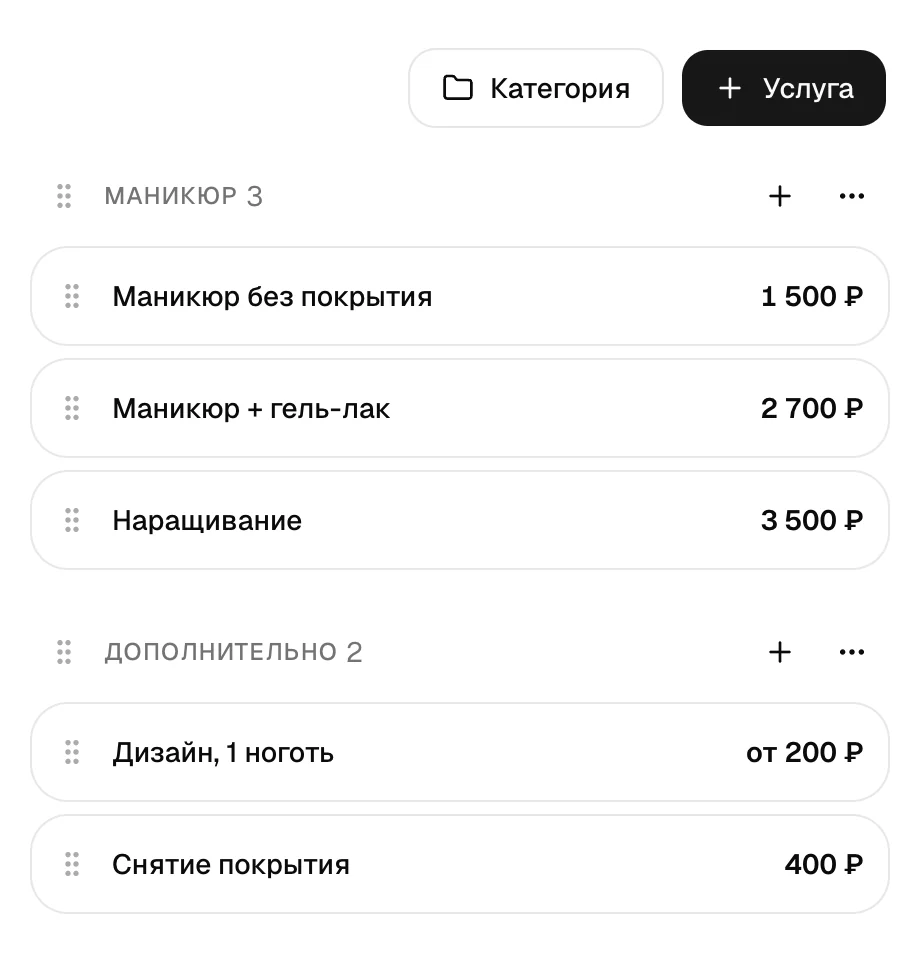
Your name, services, prices and how long each one takes. Plus Telegram or WhatsApp so clients can book.
Pick a design
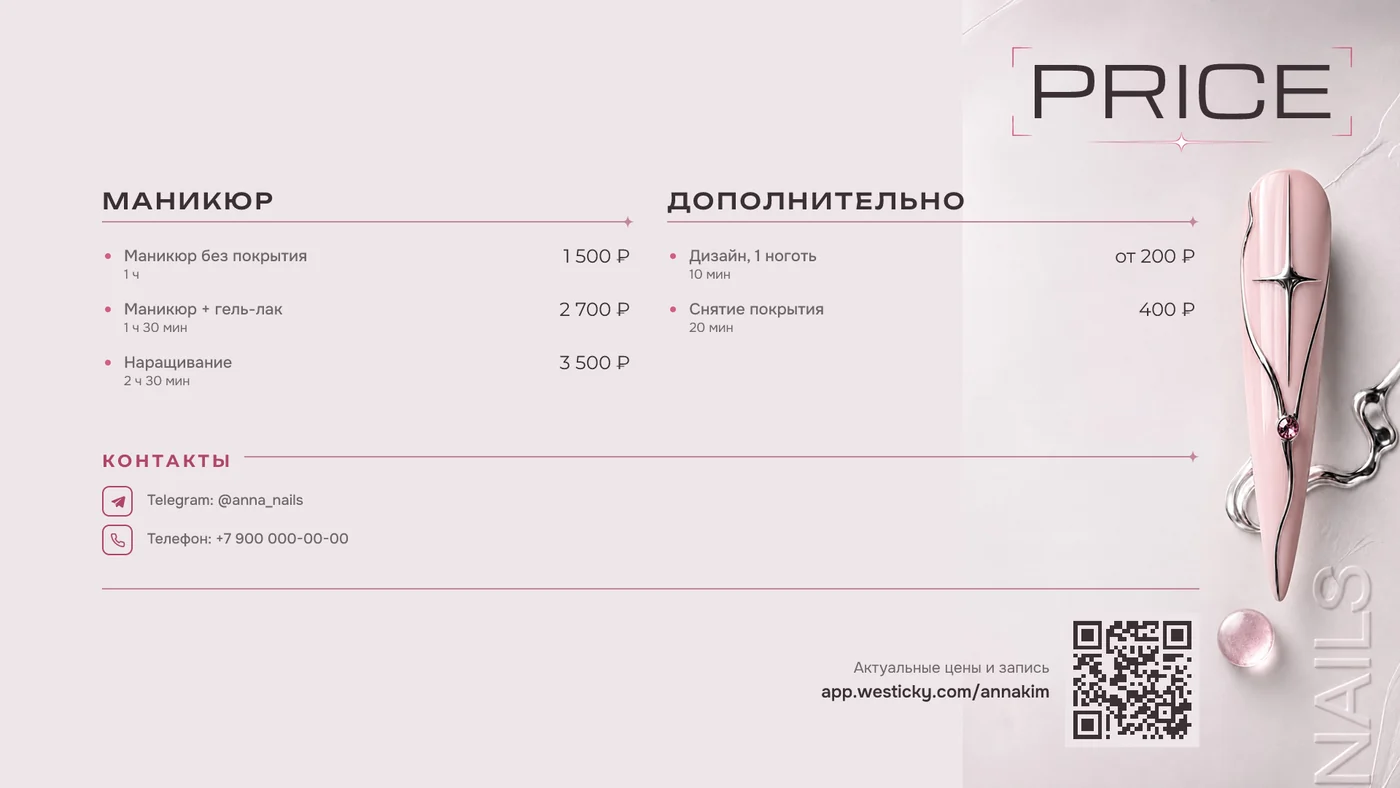
No need to style each format separately: the design you choose shows up everywhere at once.
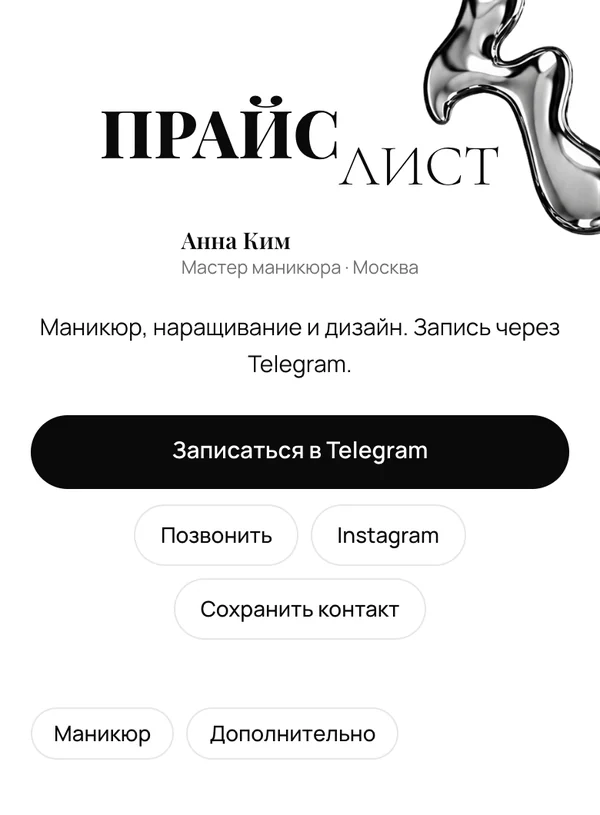
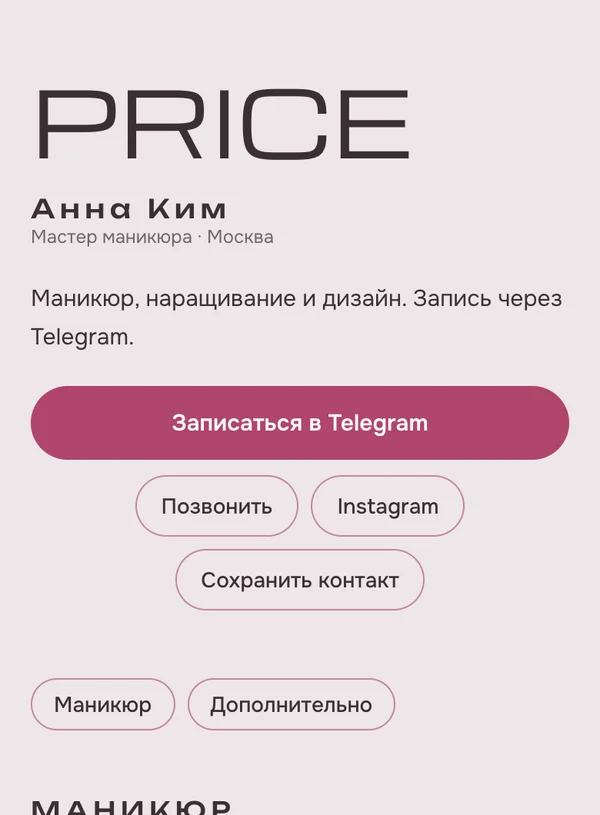
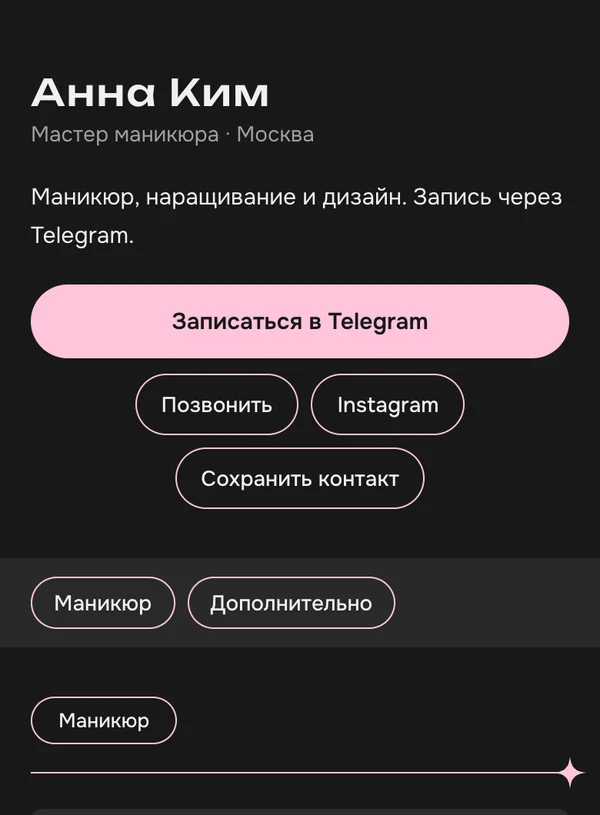
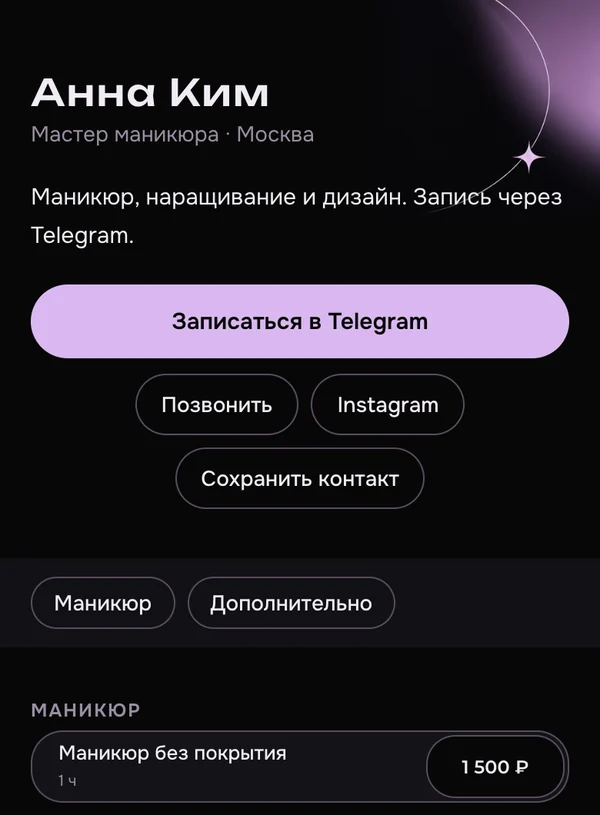
Show your clients
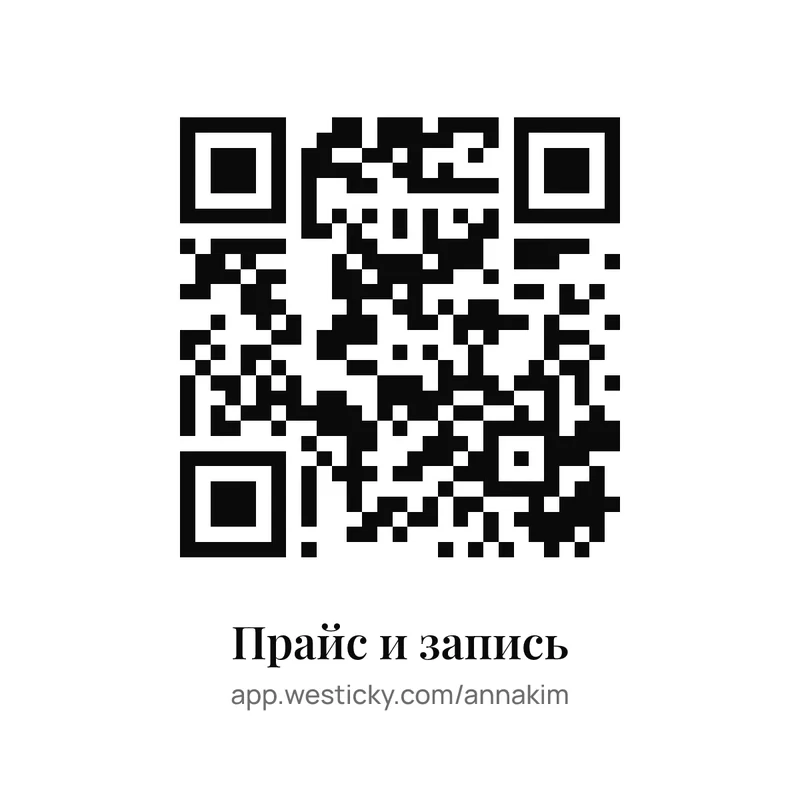
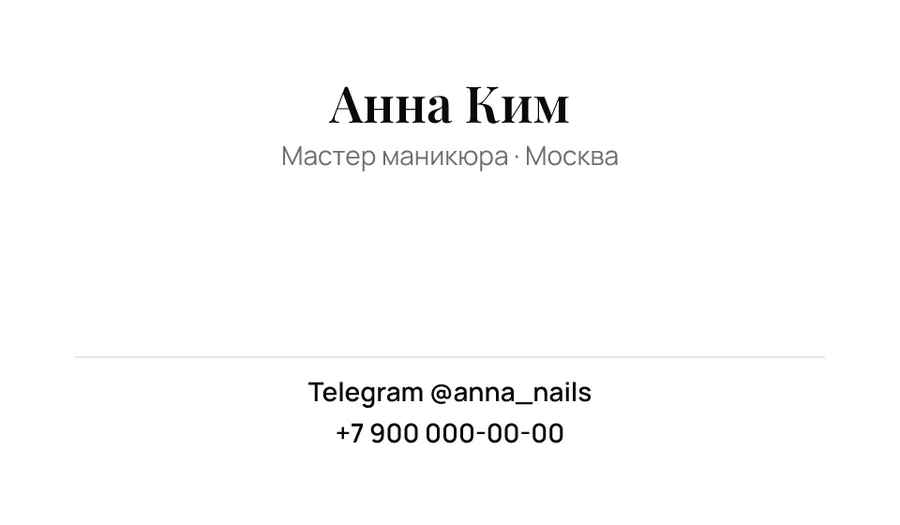
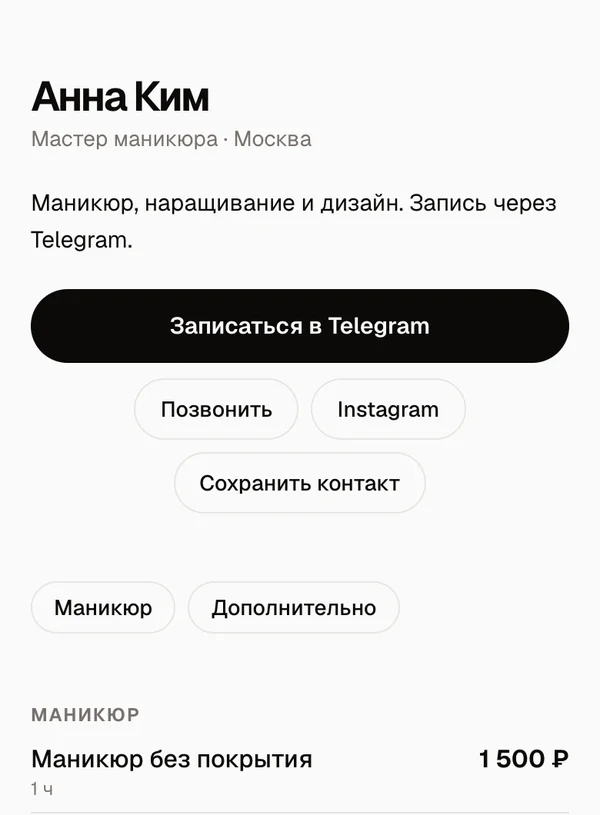
Post your price list on social media, add the link to your profile or print it as a business card with QR.
Fewer questions in your DMs, more bookings
Everything on one page
Clients open the link and find the service they need and its price on their own.
Straight to your messenger
The button opens a chat with you on Telegram or WhatsApp, or starts a call.
Change a price once
Change a price and it updates right away on your page, in stories and on the QR card.
Pricing
- Services and categories — up to 10 services and 20 categories
- Price page app.westicky.com/name
- WhatsApp, Telegram and call buttons
- Stories, post and a messenger image
- QR code to your page
- Design template — “Minimal”
- “Made with Westicky” footer
Everything in Free +7 features
FAQ
A service for beauty pros: you fill in your name, services, prices and contacts once, and westicky turns them into a price page, stories, a post, a QR code and print materials — all in one style.
Yes. The free plan includes one price list with up to 10 services, a page, stories, a post and a QR code. There is a small “Made with westicky” note at the bottom.
500 ₽ a month: unlimited services, no branding, the “Chrome” template and your own design, view stats, and every Pro format — from the carousel and vCard to print and the screen price.
The full list is on the pricing page.
No. You pay for Pro month by month, when you want it, and nothing is ever charged without you. When the period ends, your account goes back to the free plan and your price list and data stay.
No. Everything works in the browser — on your phone or computer.
Step by step: “How to create a price list online for free”.
Services named the way clients say them, the price, how long it takes and how to book. If a price varies, write “from” and say briefly what it depends on.
In detail, with examples: “Service price list template”.
No. The QR code opens your price page: print once and change prices as often as you like.
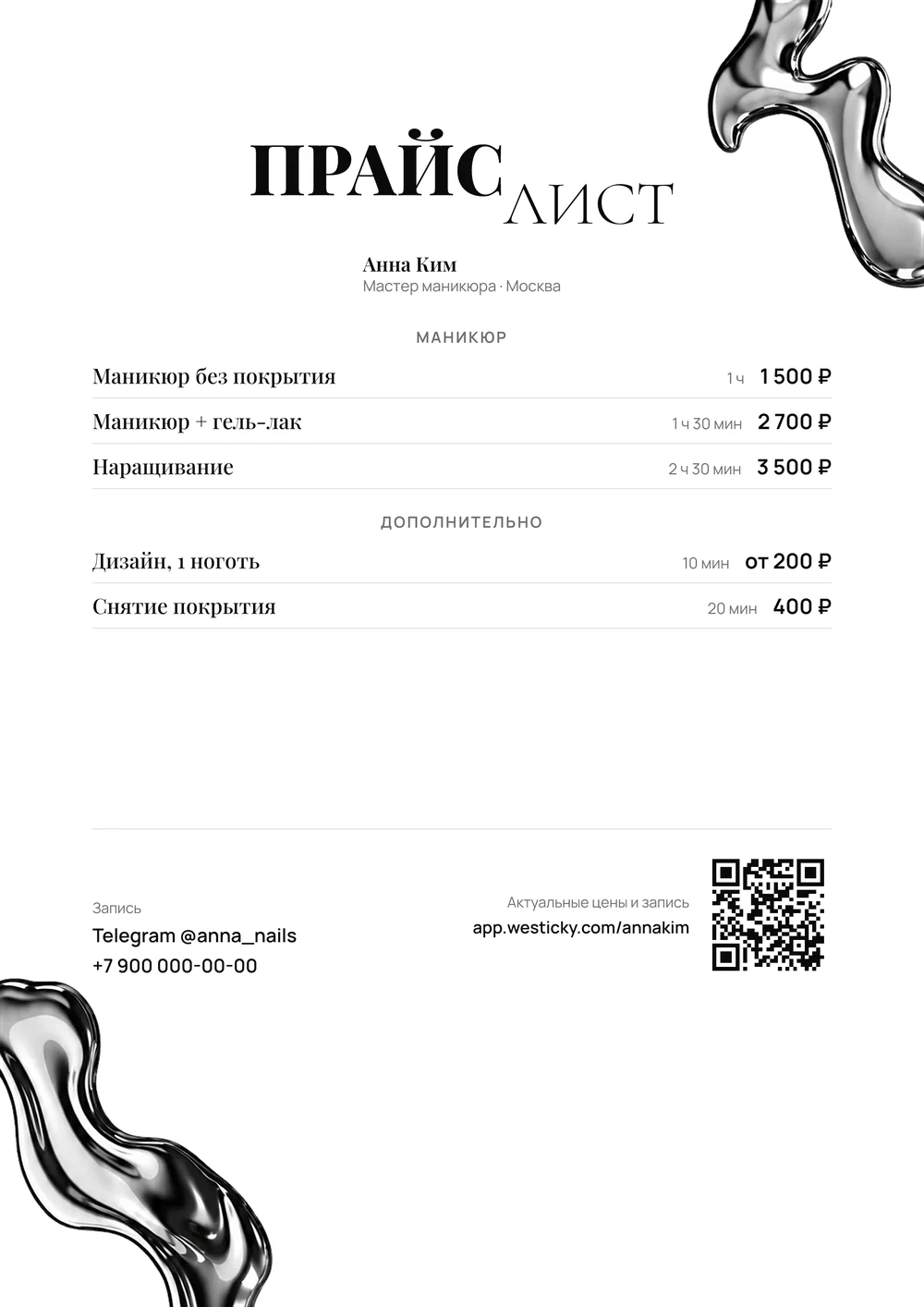
Yes, with Pro: a 90×50 mm card with QR and an A4 price list as PDF. Flyers, signs and stickers are coming soon.
Fonts and sizes for print: “How to design a beautiful price list”.